
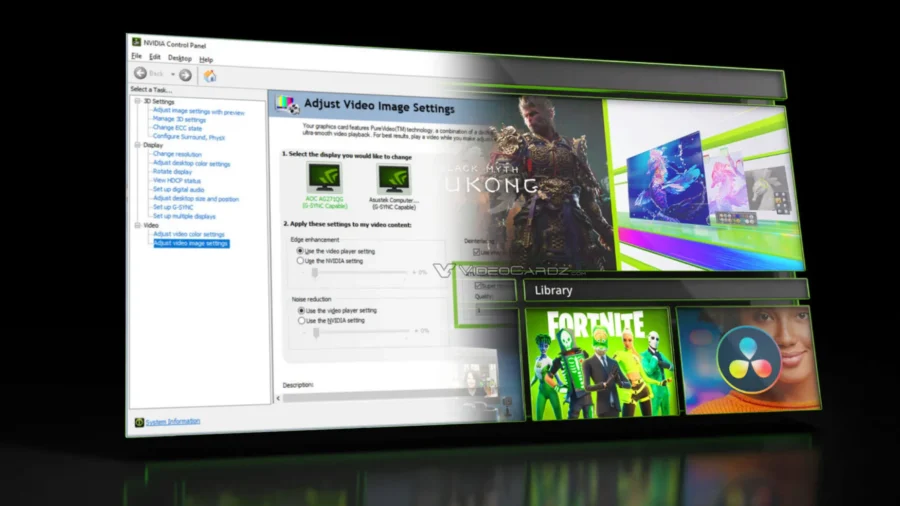
NVIDIA has come to the end of the road for the classic NVIDIA Control Panel, where GeForce users have been managing graphics card settings for many years. The company is closing the Control Panel era for GeForce Game Ready and Studio drivers. From now on, actively supported settings will be managed via NVIDIA App.
NVIDIA App becomes the new center of GeForce settings
NVIDIA Control Panel has been one of the basic software used by GeForce graphics card users for 3D settings, display options, game profiles and some video features for nearly 20 years. With NVIDIA’s new announcement, this classic interface is now out of active development for GeForce Game Ready and Studio drivers.

The company announced that actively supported NVIDIA Control Panel features have been moved to the NVIDIA App for GeForce users. With this transition, driver updates, game and application settings, DLSS options, display settings, in-game layer, performance monitoring and recording tools on the GeForce side are collected in the same application.
Old NVIDIA Control Panel will not be removed from computers immediately. In existing installations, the classic panel will continue to remain in the system. However, users who perform a clean driver installation will no longer have the old Control Panel automatically on their system. Users who need the classic panel will be able to continue downloading the application from Microsoft Store.
NVIDIA will not be offering any new features, fixes or other changes to the old Control Panel. For this reason, the software has been put under maintenance by GeForce. The company appears to be positioning the NVIDIA App as the current hub for GeForce users.
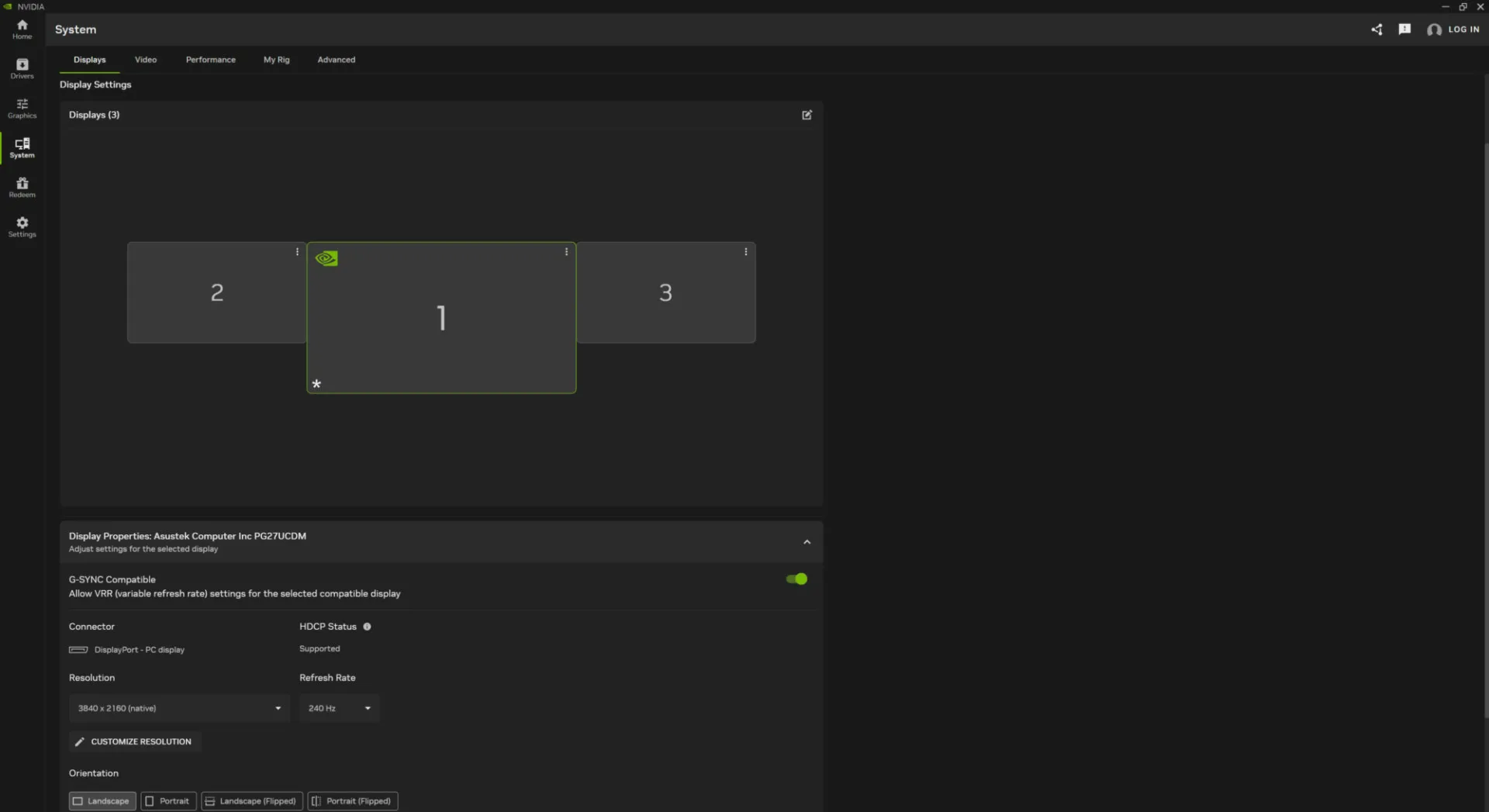
Within the NVIDIA App, the Graphics Program Settings section replaced the 3D Settings Manage 3D Settings screen in the old NVIDIA Control Panel. Other settings and display options are located under the System tab of the application. Thus, users can access game-based graphics preferences, system settings and display options through the new interface.
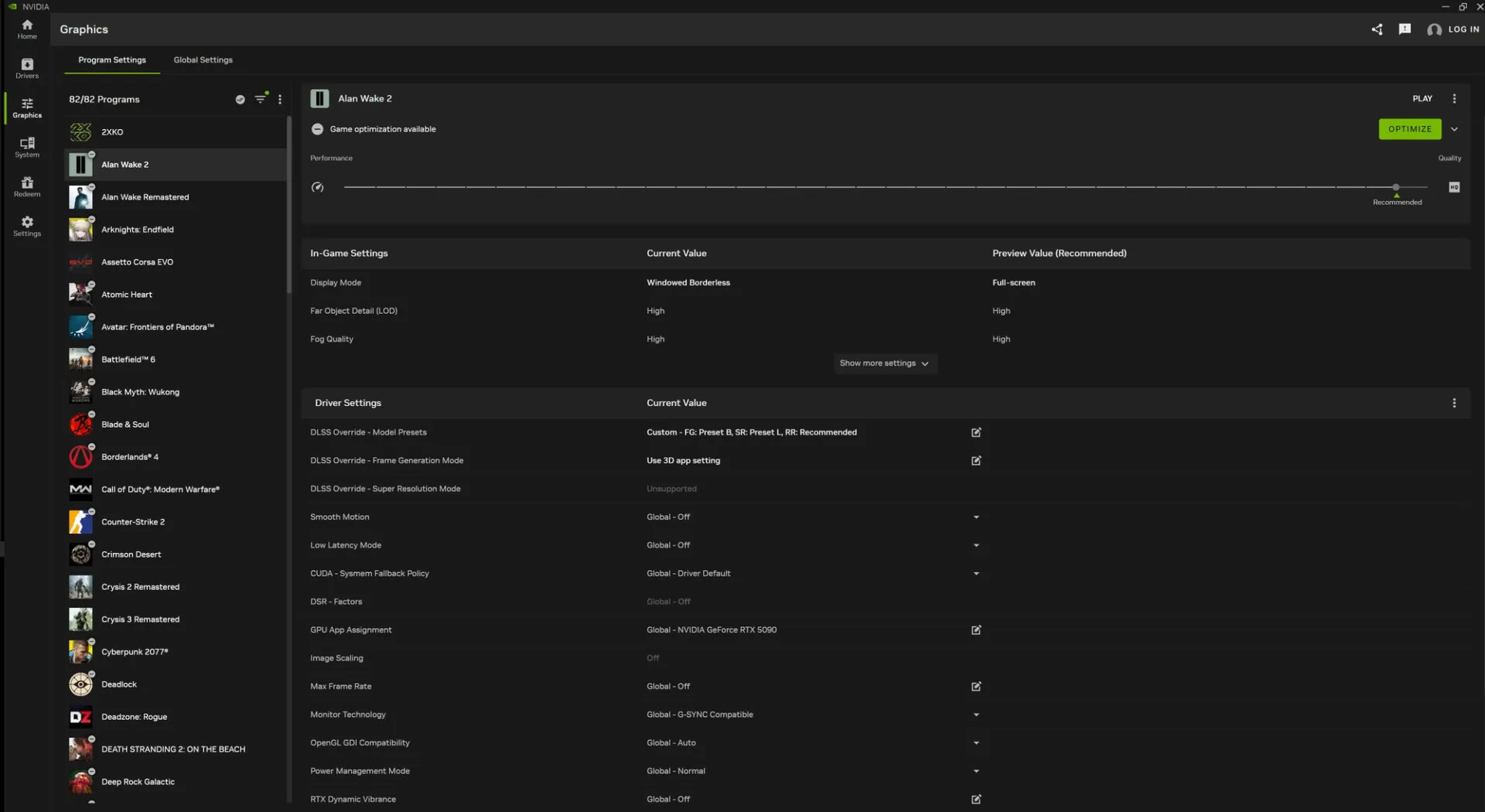
NVIDIA App not only carries Control Panel features. Game Ready and Studio drivers can be downloaded through the application, new DLSS models and DLSS override options can be used, in-game statistics can be monitored with Alt R, and recording and screenshot tools can be accessed with Alt Z. NVIDIA also offers other applications and GeForce Rewards content within this interface.
This transition did not begin suddenly. NVIDIA launched its new application in 2024 as a software that combines GeForce Experience, RTX applications and some parts of the classic Control Panel under one roof. With subsequent updates, functions such as more 3D settings, multi-monitor options, Surround support, Advanced Optimus controls and offline use were moved to the new application.
The announcement currently covers GeForce Game Ready and Studio drivers. Control Panel support will continue for NVIDIA RTX PRO users. NVIDIA will continue to support the classic Control Panel on the RTX PRO side until professional features are moved to the NVIDIA App.






Comments
You can write your views about this story. Comments may be moderated according to site settings.