
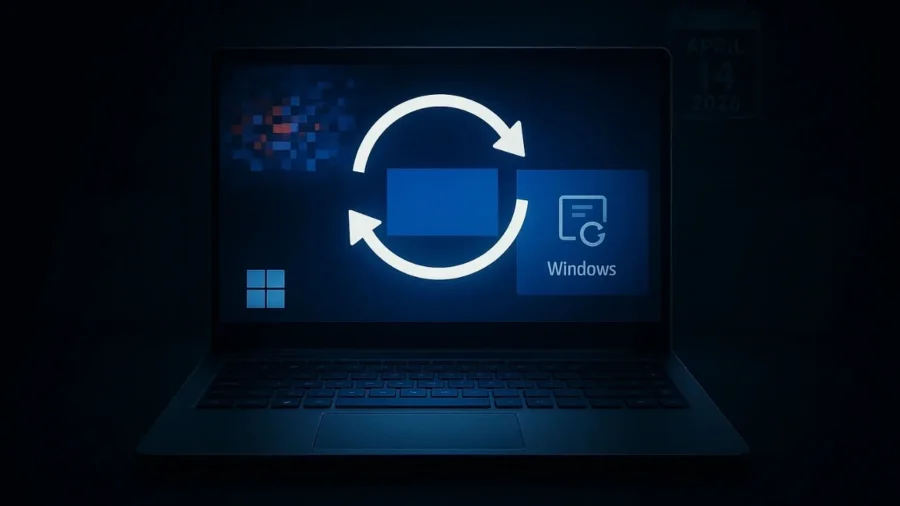
Summary in 10 Seconds: The Windows 11 update code KB5083769, published by Microsoft on April 14, 2026, puts many computers in an endless blue screen loop. The issue specifically affects Windows 11 24H2 and 25H2 versions, causing systems to reboot more than four times during installation. While the BitLocker recovery screen error returns with the update, affected users must make manual intervention to recover the system.
Patches, which are eagerly awaited in the technology world on the second Tuesday of every month, have turned into a nightmare for many users this time. The KB5083769 cumulative update, released by Microsoft on April 14, 2026, faced Windows 11 users with a rare technical crisis. Internet forums and support pages are filled with reports of computers not turning on after the update and endless blue screen errors. This problem, which especially targets a wide audience using Windows 11 24H2 and 25H2 versions, also disables the system’s self-healing mechanisms.
Users state that after the update is installed, their computers are first filled with pixelated graphics and then shut down with the famous BSOD, or blue screen error. The worst thing is that when the system tries to enter recovery mode, it enters the same cycle again and leaves the user helpless. The great danger awaiting Windows 11 users. This latest package released by the software giant Microsoft, while aiming to increase the stability of the operating system, had the opposite effect.
From the moment the KB5083769 update is installed, a critical conflict is triggered in the system files. According to users, the strange pixels that appear on the screen when the computer restarts give the impression of a hardware failure, but are actually a sign of a complete software failure. After this stage, the computer tries to go into automatic repair mode, but it fails and goes back to the beginning again. This situation initiates a process called the death cycle in the technical literature, which is impossible to overcome without manual intervention.
Who is at risk on the hardware side? Although it is not yet clear whether the error is specific to a certain hardware group, the reports provide some clues. For example, a user reported that he experienced this problem on his HP Pavilion model computer with an AMD Ryzen 5 2600 processor and GTX 1080 Ti graphics card. Similarly, it is stated that the same symptoms are seen in Dell brand desktop systems and multiple machines in corporate companies are disabled at the same time.
This shows that the problem can deeply affect not only individual users but also the business world. The fact that there is no hardware-specific statement from Microsoft yet requires all Windows 11 users to be cautious. BitLocker problem and installation errors are back. As if the blue screen cycle was not enough, the KB5083769 update brought with it an old enemy. The company acknowledged that some computers may request a BitLocker recovery key at startup, in a clause it quietly added to the update notes.
This may mean complete loss of access to data for users who have not backed up their keys. Additionally, the installation process of the update is quite painful. Systems that normally restart once or twice are turned off and on four or more times with this package. If your computer constantly restarts during installation, it is useful to know that this is a part of the update, but the process is risky. What should you do if your system is locked?
There is currently no official emergency patch published by Microsoft. If your computer is stuck in a loop, the only solution is to enter Windows Recovery Environment (WinRE). Here it is recommended that you try the System Restore option first. If this step does not work, you can use the Startup Repair tool. If all these methods fail, the option to reset the system while preserving your data remains on the table as a last resort.
If you are one of the lucky ones who have not yet installed the update, the most logical move would be to pause updates for a while from Windows Update settings. Experts in the industry seem to agree that it is safest to wait until Microsoft releases a new patch to fix this bug. Editor’s note Microsoft’s recent update policy once again calls into question how adequate its quality control processes are. In particular, triggering critical security layers such as BitLocker with such errors poses a serious threat to corporate data security.
It has now become a necessity for users to suspend updates for a while and not install major patches without taking a system backup.






Comments
You can write your views about this story. Comments may be moderated according to site settings.