
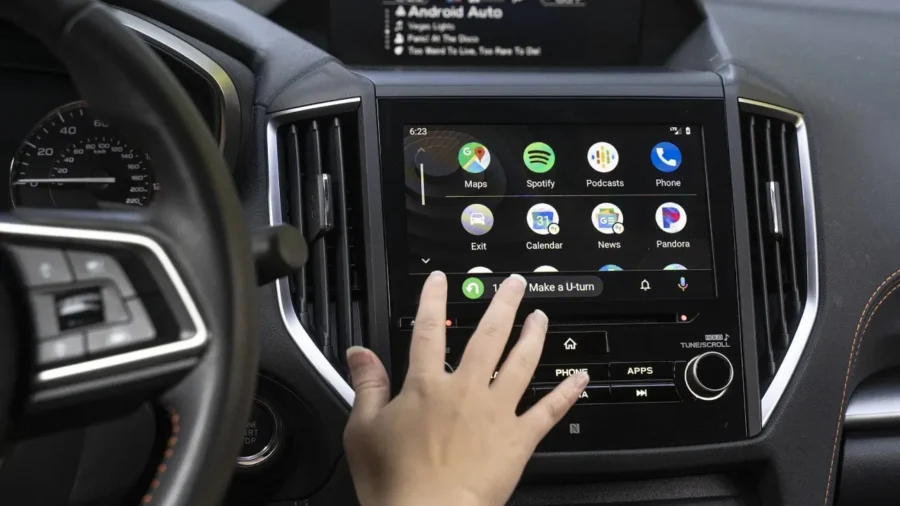
Google opened its new card system, which makes switching between media applications in the Android Auto interface more practical, to beta users. With the new interface, users can directly switch between active audio applications such as Spotify, YouTube Music, Pocket Casts and Audible by swiping the media cards on the dashboard.
Android Auto makes media cards swipeable
Previously in Android Auto, only one active media card was displayed in the dashboard at a time. When the user switched to YouTube Music while listening to music on Spotify, the Spotify card disappeared from the screen and was replaced by a YouTube Music card. To return to Spotify, it was necessary to reopen the application and start playback again.
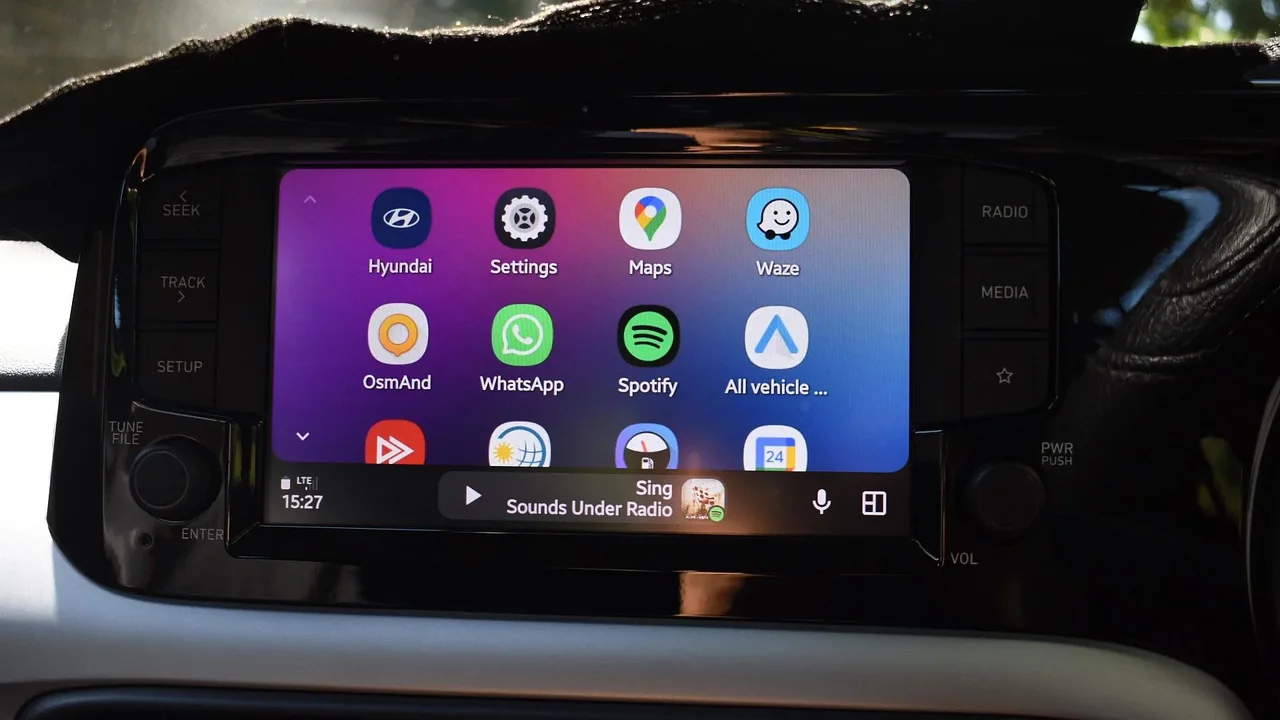
The new interface changes this behavior. Android Auto now keeps multiple recent media sessions accessible as separate cards. Users can switch between these cards by swiping on the screen. Thus, the control screens of different audio applications can be managed from the dashboard without re-opening the applications.
The feature works in the latest beta version of Android Auto, number 17.0.162144-release.daily. According to the information shared by Android Authority, the multi-media card interface is currently active in the beta channel. In the stable version, there is no clear data that the same feature is widely distributed.
The new system brings a significant interface change, especially for those who use more than one media application in the vehicle. For example, after listening to music on Spotify, the user can switch to YouTube Music, then swipe to the Pocket Casts or Audible card to access podcast or audiobook controls. These transitions can be made without leaving the Android Auto home screen.
This interface change by Google was previously revealed in the APK review. The multi-media card infrastructure, seen in October, started to reach users with the latest beta version. The new card structure works within Android Auto’s existing dashboard layout and makes the media control area usable without depending on a single application.






Comments
You can write your views about this story. Comments may be moderated according to site settings.